Stream and play console-quality games on your smartphone using official cloud gaming services. No downloads, no expensive hardware — just play.
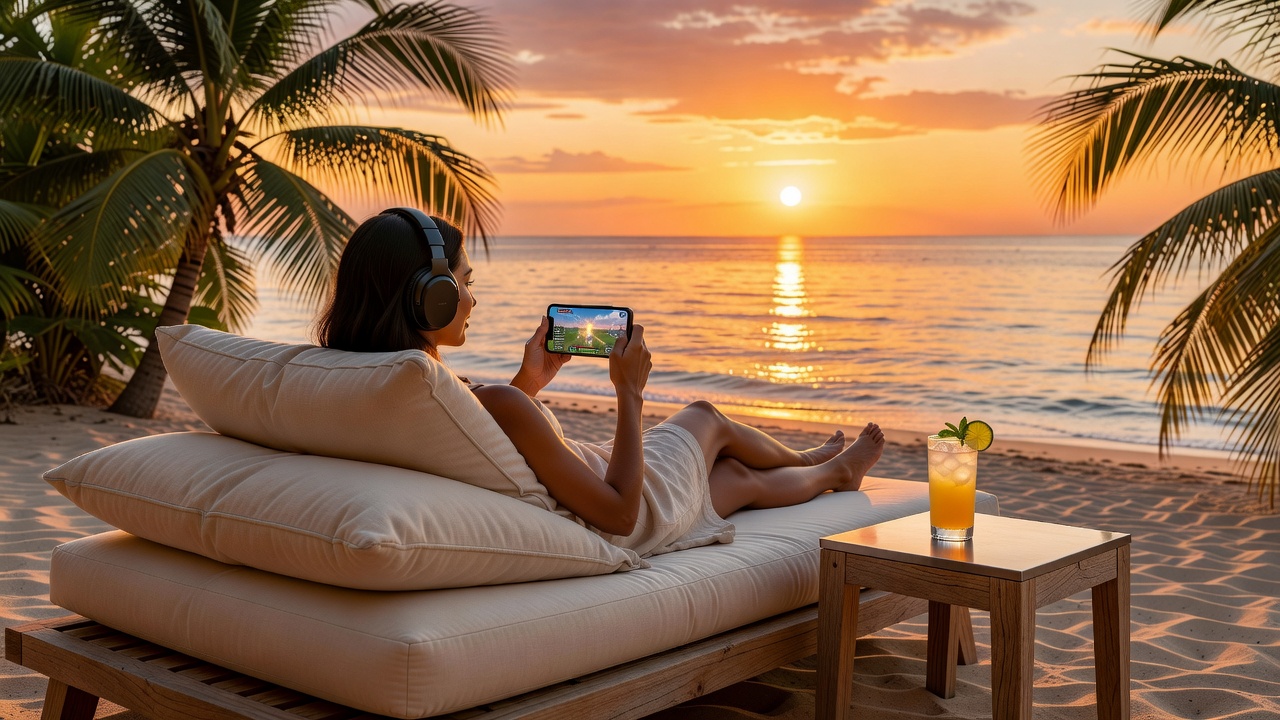
Cloud gaming is a technology that allows you to play video games that are processed and run on remote servers, with the video and audio streamed directly to your device. Instead of needing a powerful gaming PC or console, the heavy lifting is done in the cloud.
Think of it like Netflix for video games — instead of downloading or owning physical hardware to run the game, you stream it in real time. Your inputs (touches, button presses) are sent to the server, and the game's video output is streamed back to your screen.
This means you can play high-end games on devices that would normally never be able to run them, including smartphones, tablets, and even older computers.
These are the most popular, fully legal cloud gaming services available for smartphones in 2026.
Microsoft's cloud gaming service, included with Xbox Game Pass Ultimate. Offers hundreds of games streamable directly to Android and iOS devices. Excellent controller support and library depth.
Subscription RequiredStream your existing PC game library from Steam, Epic Games Store, and other platforms. Available on Android smartphones and tablets. Free tier available with queue times; premium offers priority access.
Free Tier AvailableStream games directly from your PlayStation 4 or PlayStation 5 console to your smartphone. Requires your PS console to be in rest mode and connected to the internet. Free with a PlayStation console.
Free with ConsoleStream your Steam library from your PC to your smartphone over your home network or internet connection. The Steam Link app is free and works with any game in your Steam library.
Free AppAmazon's cloud gaming service with multiple channel subscriptions. Strong integration with Amazon Prime, offering Luna+ and partner channels. Available as a web app on Android devices.
Subscription RequiredThe technology behind cloud gaming is fascinating. Here's a simplified breakdown of the process.
You press a button or tap the screen. This input is captured by the app on your smartphone.
Your input is compressed and sent over the internet to the cloud gaming server, typically within milliseconds.
A powerful server processes your input and runs the game at high performance, rendering the next frame.
The rendered video frame is compressed using efficient codecs (H.264, H.265, AV1) for fast transmission.
The compressed video is sent back to your smartphone, decoded, and displayed on screen — all in under 50ms on a good connection.
Cloud gaming requires a stable, low-latency internet connection. Here are the recommended speeds for different quality levels.
720p at 30fps. Playable for slower-paced games. Noticeable compression artifacts at low speeds.
1080p at 60fps on most services. Suitable for most gaming genres including action games.
4K streaming on supported services. Sharp image quality with minimal compression.
Aim for under 40ms ping to the server. Lower latency means more responsive controls and a better experience.
A stable Wi-Fi connection is almost always better than cellular for cloud gaming. Place your router close to your gaming area for best results.
If your router supports dual-band Wi-Fi, connect to the 5GHz band for lower interference and higher throughput compared to 2.4GHz.
Most cloud gaming services let you choose your server region. Always select the server closest to your physical location to minimize latency.
Other apps using bandwidth or processing power can impact your cloud gaming performance. Close unnecessary apps before starting a gaming session.
A Bluetooth controller dramatically improves the cloud gaming experience compared to touch controls, especially for action and platformer games.
If you experience lag or stuttering, try lowering the stream quality in the app settings. A stable 1080p is better than an unstable 4K stream.
Cloud gaming is a great technology, but it's not perfect. Here's an honest look at the pros and cons.